




For companies
The shareholder register, meetings, share issues and mailings in Nexus.
Getting started
Logging in, setting up the company and giving colleagues and board members access.
2 articles
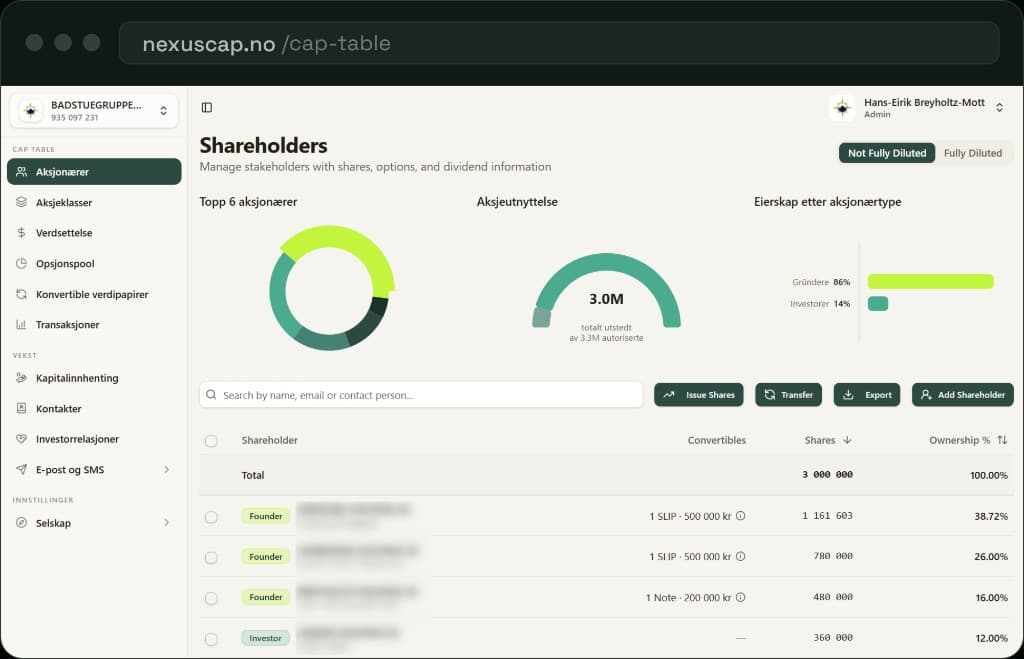
Shareholder register
Shareholders, share classes, transfers and transactions in the shareholder register.
2 articles
Share issues and fundraising
Recording a share issue, simulating a round and raising capital with a campaign.
1 article
Options, SLIP and convertible loans
Option pool, SLIP, convertible loans and dividends.
1 article
General meetings and board meetings
Notices, the meeting room, voting and minutes signed with BankID.
2 articles
Investor relations and mailings
Updates to shareholders, contacts, email mailings and your own sending domain.
1 article
Plans and modules
What your plan includes, add-on modules and invoicing.
1 article
For investors
The investor portal and investing in campaigns.
Popular articles
- How do I log in?Companies log in at app.nexuscap.no with BankID, or with a one-time email code if the account already exists.
- How do I add a shareholder?Go to Shareholders and choose «Add shareholder». The company needs at least one share class first.
- How do I record a share issue?Under Cap table → Issue shares you record new shares for existing or new shareholders. Share numbers are assigned automatically.
- How early must the general meeting notice be sent?At least one week before the meeting, for both ordinary and extraordinary general meetings. The articles may require longer.
- I am an investor. Where do I see my shares?In the investor portal at portfolio.nexuscap.no. You log in with BankID or a one-time email code.
- How to invest in a campaignYou log in with BankID, read the key investment information sheet and sign with BankID.
Get started
hei@nexuscap.noEmail
+47 402 23 394
Phone